Bricolage Grotesque
by Mathieu Triay · Atelier Triay · 2022 · variable
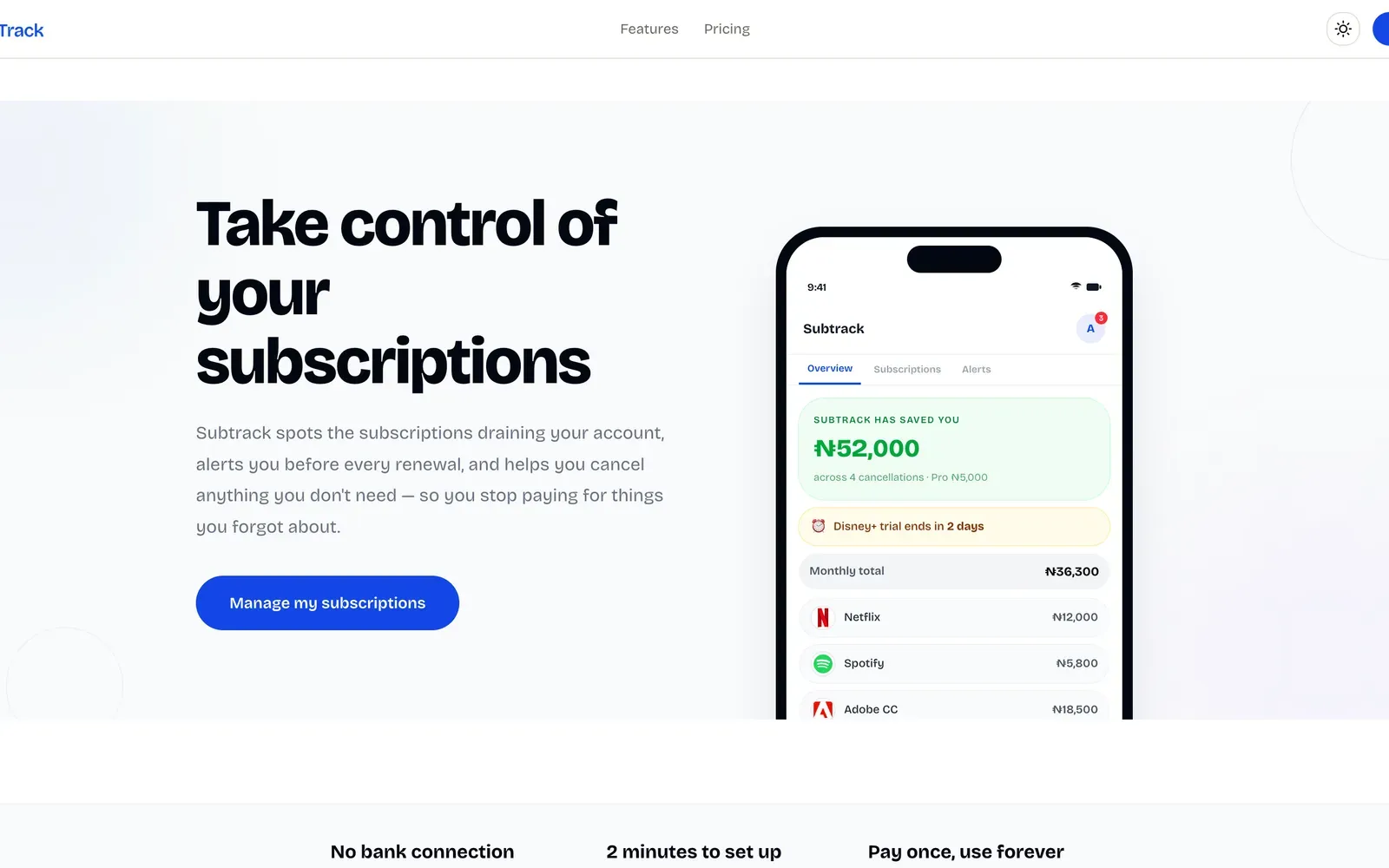
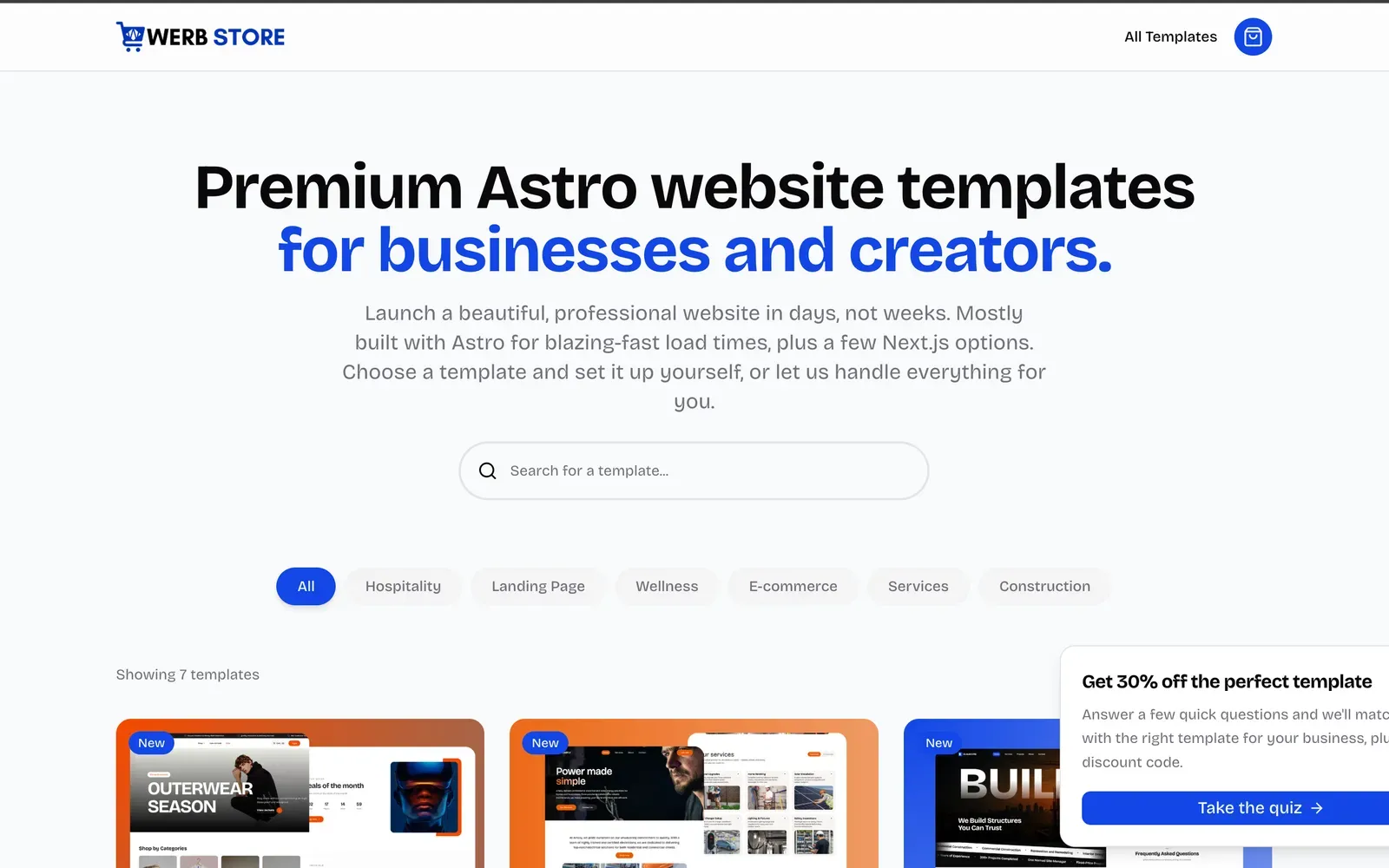
A characterful grotesque with optical sizing — my long-running default for headings and, honestly, everything else.
Preview
Pair it with another font →This is the font I reach for without thinking, which is exactly why it belongs at the top of a
site about not doing that. It’s a grotesque with deliberately uneven details — the flared
terminals, the slightly squared curves — that give headlines personality without tipping into
novelty. The optical size axis genuinely helps: crank opsz up for big display type and the
letterforms open out.
Where it bites you: at body sizes and regular weight it can feel a little stiff and wide, so I usually pair it with something calmer for running text. It also has no italic, which occasionally matters.
Best for
Where Bricolage Grotesque earns its place — and why. My opinion, not a rule.
- Marketing sites
The optical-size axis and the flared, uneven details give a hero headline character without tipping into novelty.
- Portfolio & personal
Distinctive enough to carry a personal site on its own, and it still behaves in a real layout.
Get it
Pick the one that fits your setup. Self-hosting is best for production; the CDN link is quickest to try.
pnpm add @fontsource-variable/bricolage-grotesque
# npm install @fontsource-variable/bricolage-grotesque
# yarn add @fontsource-variable/bricolage-grotesqueimport '@fontsource-variable/bricolage-grotesque';
/* then, in your CSS */
font-family: 'Bricolage Grotesque Variable', sans-serif;Fontsource appends “Variable” to the family name for variable fonts — use “Bricolage Grotesque Variable”, not “Bricolage Grotesque”.
import { Bricolage_Grotesque } from 'next/font/google';

const bricolageGrotesque = Bricolage_Grotesque({
  subsets: ['latin'],
  display: 'swap',
  axes: [],
});

// <body className={bricolageGrotesque.className}>
Self-hosted and optimised at build time — no network request to Google.
<link rel="preconnect" href="https://fonts.googleapis.com" />
<link rel="preconnect" href="https://fonts.gstatic.com" crossorigin />
<link
  href="https://fonts.googleapis.com/css2?family=Bricolage+Grotesque:opsz,wght@12..96,200..800&display=swap"
  rel="stylesheet"
/>

/* CSS */
font-family: 'Bricolage Grotesque', sans-serif;
Quickest to paste in, but adds a third-party request. Prefer self-hosting for production.
/* Download the OFL-1.1 files from the source below, then: */
@font-face {
  font-family: 'Bricolage Grotesque';
  src: url('/fonts/bricolage-grotesque.woff2') format('woff2');
  font-weight: 200 800;
  font-display: swap;
}
Files: https://github.com/ateliertriay/bricolage
Add the "Bricolage Grotesque" font to this project.

- CSS family name once loaded: 'Bricolage Grotesque Variable'
- Fallback stack: sans-serif
- Variable font. Axes: wght 200–800, opsz 12–96
- Fontsource package (self-hosted, npm): @fontsource-variable/bricolage-grotesque
- next/font/google export name: Bricolage_Grotesque
- Google Fonts CDN family param: Bricolage+Grotesque:opsz,wght@12..96,200..800
- License: OFL-1.1 — Free for commercial use — bundle it, self-host it, modify it; you just can't sell the font files on their own.
- Source: https://github.com/ateliertriay/bricolage

Detect how this project already loads fonts (Fontsource import, next/font, Tailwind @theme, plain @font-face) and follow that pattern. Prefer self-hosting over the Google Fonts CDN link for production.
Paste into Claude Code, Codex, T3 Code, Cursor or similar — it has what an agent needs to wire the font up itself.
Seen on
Real sites using Bricolage Grotesque. Click through to see it live.